BETA — not yet published to the Connect IQ Store or Play Store. Want to test it? Get in touch: nordicsports [at] maddin [dot] me

Watch app + companion app

Nordic Sports Beta

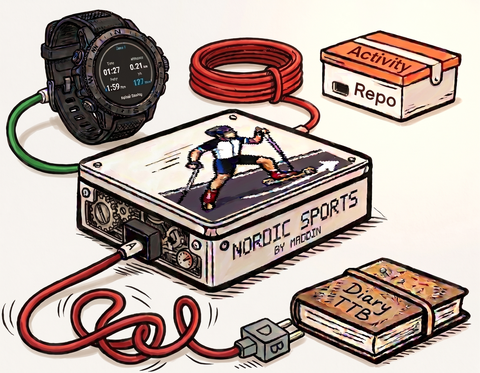
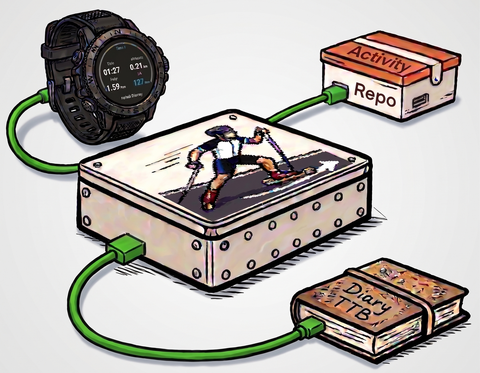
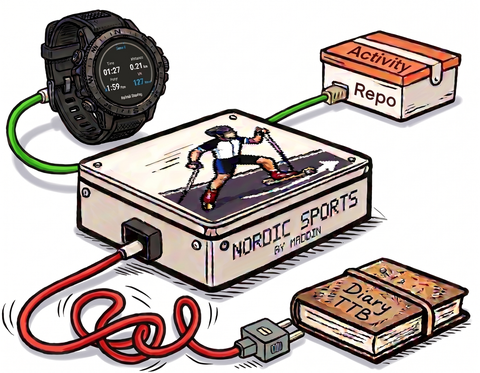
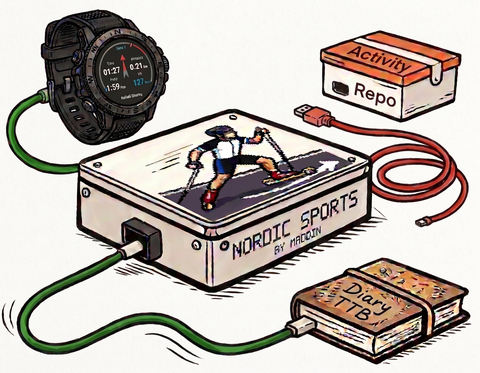
Roller skiing, pole running, and inline skating aren't built into Garmin's own activity list. Nordic Sports adds them on your watch, then a companion app on your phone reviews each session and sends it where you actually want it to go — an online activity repository, Garmin Connect, or your athlete's activity diary.

Both apps are still in beta and not yet published to any store — this page describes where they're headed. Want to try them early? Get in touch: nordicsports [at] maddin [dot] me
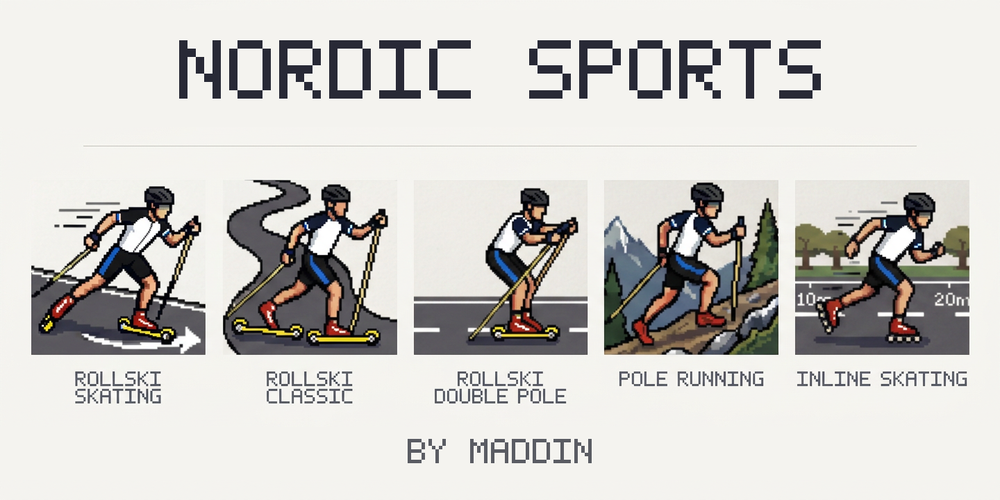
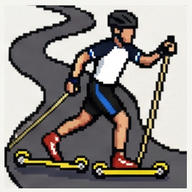
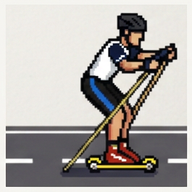
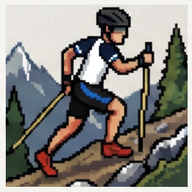
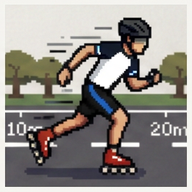
Nordic Sports title screen showing the five activity pictograms: Rollski Skating, Rollski Classic, Rollski Double Pole, Pole Running, and Inline Skating

On your watch: nordic activities your watch doesn't yet have Coming soon

A Connect IQ app for Forerunner, fēnix, and epix devices. It records like Garmin's own activity profiles — same GPS-fix wait, same lap button, same resume/save/discard flow — just for the sports Garmin left out.

Rollski Skating
Rollski Classic
Rollski Double Pole
Pole Running
Inline Skating

One menu, straight into recording

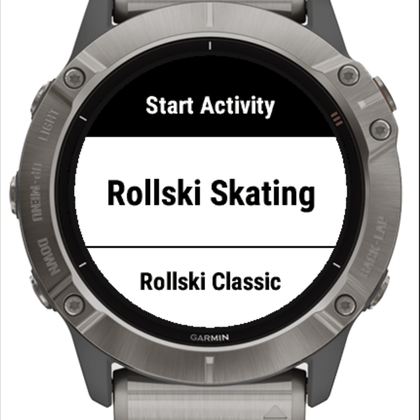
Open the app and pick your activity, then your training type — Endurance, Intervals, Sprints, or Technique. Nordic Sports folds that, plus the time of day, into the saved activity's name, so your history in Garmin Connect reads at a glance: "Rollski Skating Intervals in the evening."

  • Six data screens: timer/distance/speed/HR, cadence/power/temperature, current lap, time of day, altitude, and a live GPS breadcrumb trail
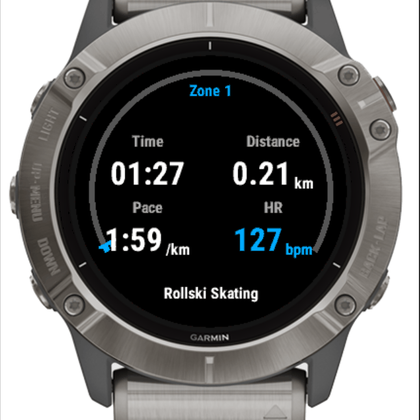
  • A color-coded heart-rate zone ring using your own Garmin-configured zones, with a speedometer-style needle for your exact current reading
  • Optional roller-ski wheel-type tracking (Marwe conventions), saved into the activity
  • On-device settings — language, which data pages appear, silent mode — no phone app required
  • English and German, auto-detected on first launch
Nordic Sports watch main menu, listing the five activity types

Records clean, syncs where you already look

Garmin's system has no dedicated "roller ski" or "pole running" category, so those sessions record under the closest official category — Cross-Country Skiing or Trail Running — with the real activity and training type captured in the name, visible in Garmin Connect and, once synced, your online activity repository. Inline Skating is the one exception: a genuine category on both platforms, so it syncs with no workaround at all.

Nordic Sports recording screen showing heart rate 127 with the heart-rate zone arc and a speedometer-style needle

On your phone: the companion app Coming soon

A separate Android app, its own install. It picks up what the watch recorded, lets you review and add a note, and forwards each session on to the places you actually use — each one independently on or off.

1

Watch finishes recording

Your Nordic Sports activity — distance, pace, heart rate, wheel type, everything the watch captured — lands in the companion app's list, newest first.

→
2

Review and enrich

Open it up, check the stats, add a note about how the session actually went — the kind of detail a watch alone can't capture.

→
3

Send it on, your way

Forward it to an online activity repository, Garmin Connect, and your athlete's activity diary — or share it to any app on your phone. Every destination is a switch you control.

Online activity repository Garmin Connect Activity diary via OneDrive Activity diary via Dropbox Any app, via Share

Know exactly where your data goes

A status screen shows, at a glance, which destinations are actually connected right now — nothing hidden, nothing assumed. Choose per destination which fields get sent: heart rate might be fine for your private activity diary but left out of a public post to your online activity repository.

Every write the app makes to your athlete's activity diary is logged, in order, and you can export your full data at any time.

Companion app status screen showing no destinations connected
Nothing connected yet
Companion app status screen showing Strava and diary both connected
Strava + diary connected
Companion app status screen showing only Strava connected
Strava connected only
Companion app status screen showing only the diary connected
Diary connected only

Built to work together

The watch app and companion app are independent — install one without the other — but they're designed as one story: the watch captures what a general-purpose activity profile can't, and the companion app makes sure that data actually ends up wherever you keep the rest of your training history. Neither is published to a store yet, so the only way to try them right now is to ask.